

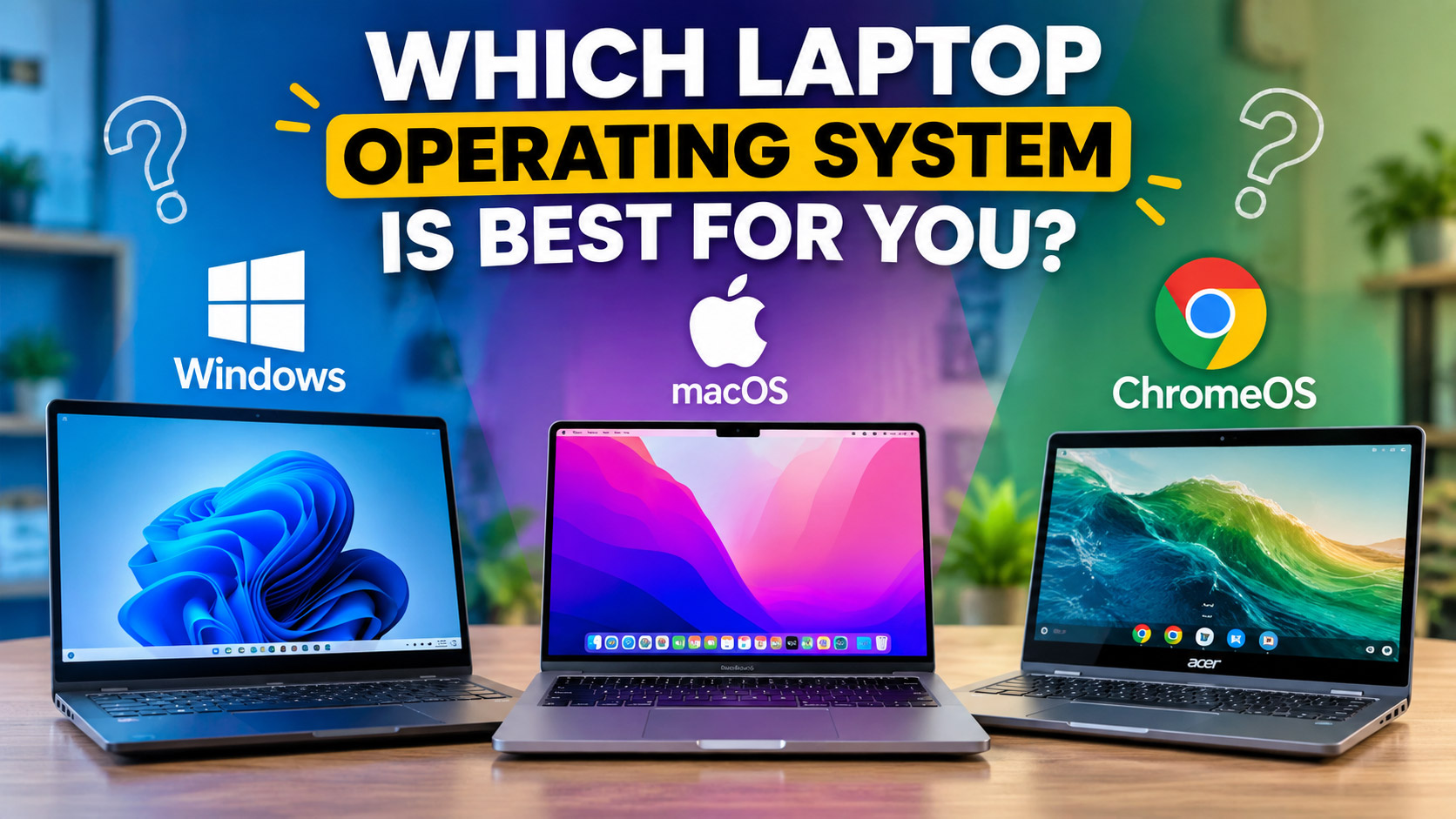
Which Laptop Operating System Is Best for You?
Which Laptop Operating System Is Best for You?
Choosing a laptop involves more than comparing prices, processors, and storage. You also need to consider the operating system (OS). It determines how you interact with your laptop, which software you can use, and how you manage everyday tasks.
Today, three major operating systems dominate the laptop market: Windows, macOS, and ChromeOS. Each offers different features, advantages, and limitations. Therefore, the best choice depends on your work, budget, and personal preferences.
In this guide, we’ll compare these operating systems to help you choose the right laptop for your needs.
What Is a Laptop Operating System?
An operating system manages your laptop’s hardware and software. It allows you to open applications, manage files, connect to the internet, and perform everyday tasks.
For example, Windows runs on laptops from many manufacturers. Meanwhile, Apple develops macOS exclusively for Mac computers. Google, on the other hand, develops ChromeOS for Chromebooks.
Let’s explore how these systems differ.
1. Windows: A Flexible Choice for Everyday Work
Windows is a popular operating system that supports laptops from many manufacturers, including Dell, HP, Lenovo, ASUS, and Acer. It offers a wide range of hardware options at different prices.
Advantages of Windows
- Wide software compatibility: Windows supports many business, office, design, and productivity applications.
- Broad hardware selection: You can choose from budget laptops, business machines, gaming systems, and powerful workstations.
- Gaming support: Many PC games support Windows, making it a common choice for gamers.
- Flexible upgrades: Some Windows laptops allow you to upgrade components such as RAM and storage.
- Professional applications: Many business and technical tools work well on Windows.
Limitations of Windows
Windows performance depends on the laptop’s hardware and configuration. Consequently, cheaper models may struggle with demanding applications.
Additionally, some laptops include unnecessary preinstalled applications. You may also need to manage updates, security settings, and driver compatibility.
Who Should Choose Windows?
Windows is suitable for students, office workers, business owners, gamers, and professionals who need access to a broad range of software.
For graphic designers, Windows laptops can also provide excellent performance. However, check the processor, RAM, graphics capabilities, and display quality before buying.
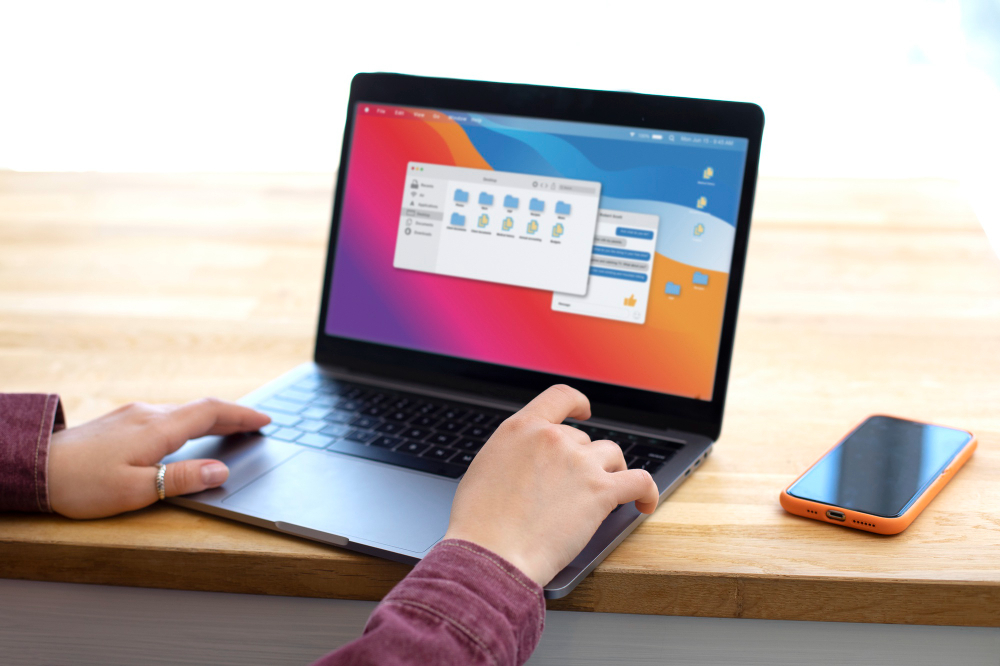
2. macOS: A Strong Option for Creative Professionals
Apple’s macOS powers MacBook Air and MacBook Pro laptops. It provides a consistent interface and integrates closely with other Apple devices.
Advantages of macOS
- Creative software: MacBooks support professional applications for graphic design, video editing, music production, and photography.
- Apple ecosystem: You can connect your MacBook with an iPhone or iPad for convenient file sharing and communication.
- Consistent performance: Apple’s hardware and software work together to deliver a closely integrated experience.
- Build quality: MacBooks generally feature premium construction and high-quality displays.
- Battery efficiency: Many Apple silicon MacBooks offer strong battery life, although actual results depend on usage.
Limitations of macOS
MacBooks often cost more than entry-level Windows laptops. Moreover, Apple offers fewer hardware configurations and limits internal upgrades on most modern models.
Some Windows-only applications and games may not run natively on macOS. Therefore, check your software requirements before making a purchase.
Who Should Choose macOS?
macOS may suit graphic designers, photographers, video editors, writers, and professionals who already use Apple devices.
For instance, designers who work with Adobe Photoshop, Illustrator, and other creative applications may appreciate the MacBook’s display quality and portable design. However, compare the available software features and hardware specifications before deciding.
3. ChromeOS: A Practical Option for Basic Tasks
Google developed ChromeOS primarily for internet-based activities. Chromebooks commonly focus on web browsing, online documents, video meetings, and cloud storage.
Advantages of ChromeOS
- Simple interface: ChromeOS offers a straightforward environment for everyday tasks.
- Web-based productivity: It works well with Google Docs, Google Sheets, Gmail, and other online services.
- Affordable options: Many Chromebooks cost less than premium Windows laptops and MacBooks.
- Automatic updates: ChromeOS manages system updates with minimal user involvement.
- Portable designs: Many Chromebooks offer lightweight construction and convenient battery life.
Limitations of ChromeOS
ChromeOS may not support every desktop application you need. For example, professional design software, advanced video editing tools, and certain business applications may require Windows or macOS.
Furthermore, some tasks depend heavily on internet access. Although Chromebooks support selected offline activities, you should check application compatibility before buying one.
Who Should Choose ChromeOS?
Chromebooks can work well for students, teachers, casual users, and people who mainly browse the web or create online documents.
However, if your work requires advanced design software, specialized applications, or demanding games, consider a Windows laptop or MacBook instead.
Windows vs. macOS vs. ChromeOS
Here’s a quick comparison to help you evaluate the three operating systems.
| Feature | Windows | macOS | ChromeOS |
|---|---|---|---|
| Hardware choices | Very broad | Apple MacBooks only | Broad Chromebook selection |
| Budget options | Extensive | Mostly premium | Many affordable models |
| Professional software | Broad compatibility | Strong creative software support | More limited desktop software |
| Gaming | Extensive PC game support | More limited game selection | Limited native PC gaming |
| Ease of use | Familiar and flexible | Consistent and integrated | Simple and web-focused |
| Creative work | Excellent with suitable hardware | Excellent with suitable hardware | Best for lighter, web-based tasks |
| Best suited for | Business, gaming, general work | Creative work, Apple users | Education and everyday browsing |
Keep in mind that individual laptop specifications matter just as much as the operating system. A powerful laptop can handle demanding tasks more effectively than a low-specification model running the same OS.
Which Operating System Is Best for Graphic Designers?
Graphic designers should consider software compatibility, processing power, RAM, display quality, color accuracy, and storage.
Both Windows and macOS support widely used creative applications. Therefore, your choice should depend on your workflow and budget.
Choose Windows If:
- You want more laptop options across different price ranges.
- You use Windows-specific business or design applications.
- You need broad gaming compatibility alongside your design work.
- You prefer the option to upgrade components on supported models.
Choose macOS If:
- You prefer Apple’s integrated hardware and software experience.
- You use an iPhone or iPad regularly.
- You value a portable laptop with a high-quality display.
- Your creative applications and workflow work well on macOS.
What About ChromeOS?
ChromeOS may suit designers who mainly use browser-based tools, online collaboration platforms, and lightweight editing applications. Nevertheless, check whether your essential professional software supports your Chromebook before purchasing one.
What Should You Consider Before Buying a Laptop?
The operating system is only one part of the decision. To choose a laptop that meets your needs, consider these additional factors.
1. Your Budget
First, establish a realistic budget. Windows laptops and Chromebooks offer many price options, while MacBooks generally occupy the mid-range to premium market.
2. Your Work Requirements
Next, list the applications you use regularly. For example, video editors, designers, programmers, and gamers may need more powerful hardware than users who mainly browse websites or write documents.
3. RAM and Storage
For demanding creative work, consider a laptop with sufficient RAM and a fast SSD. Your ideal configuration will depend on the applications you use and the size of your projects.
4. Display Quality
Designers should pay close attention to resolution, brightness, color accuracy, and color coverage. A high-quality display can make visual work more comfortable and reliable.
5. Battery Life and Portability
If you travel frequently or work outside the office, choose a laptop with suitable battery life and a manageable weight. However, remember that demanding applications can reduce battery performance.
6. Software Compatibility
Finally, confirm that your essential applications, peripherals, and accessories work with your chosen operating system. This simple step can prevent compatibility problems later.
Final Verdict: Which Laptop OS Should You Choose?
There is no single operating system that suits everyone. Instead, your ideal choice depends on your work, budget, and preferred software.
- Choose Windows for flexibility, gaming, business applications, and a wide range of hardware options.
- Choose macOS for an integrated Apple experience and creative workflows that benefit from Mac hardware and software.
- Choose ChromeOS for web browsing, online productivity, education, and everyday computing.
Ultimately, compare your requirements before purchasing a laptop. When you match the operating system with your actual needs, you can make a more practical and informed decision.